See the Magic in Action
Hover over any image to see it transform into smooth, cinematic video. All videos generated from single images using Kling 2.6 Pro.
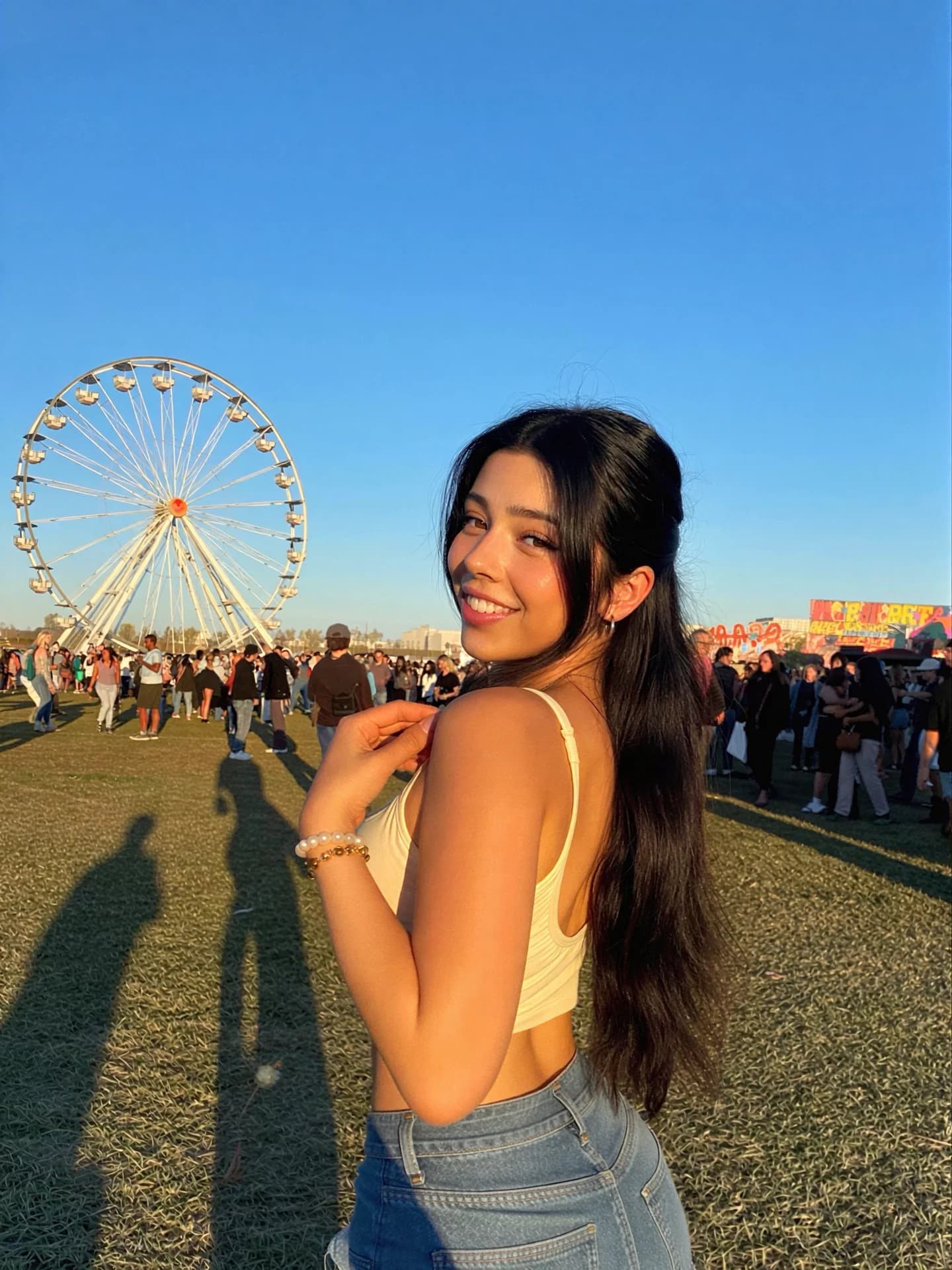
Outdoor Fair
Woman at carnival with gentle motion
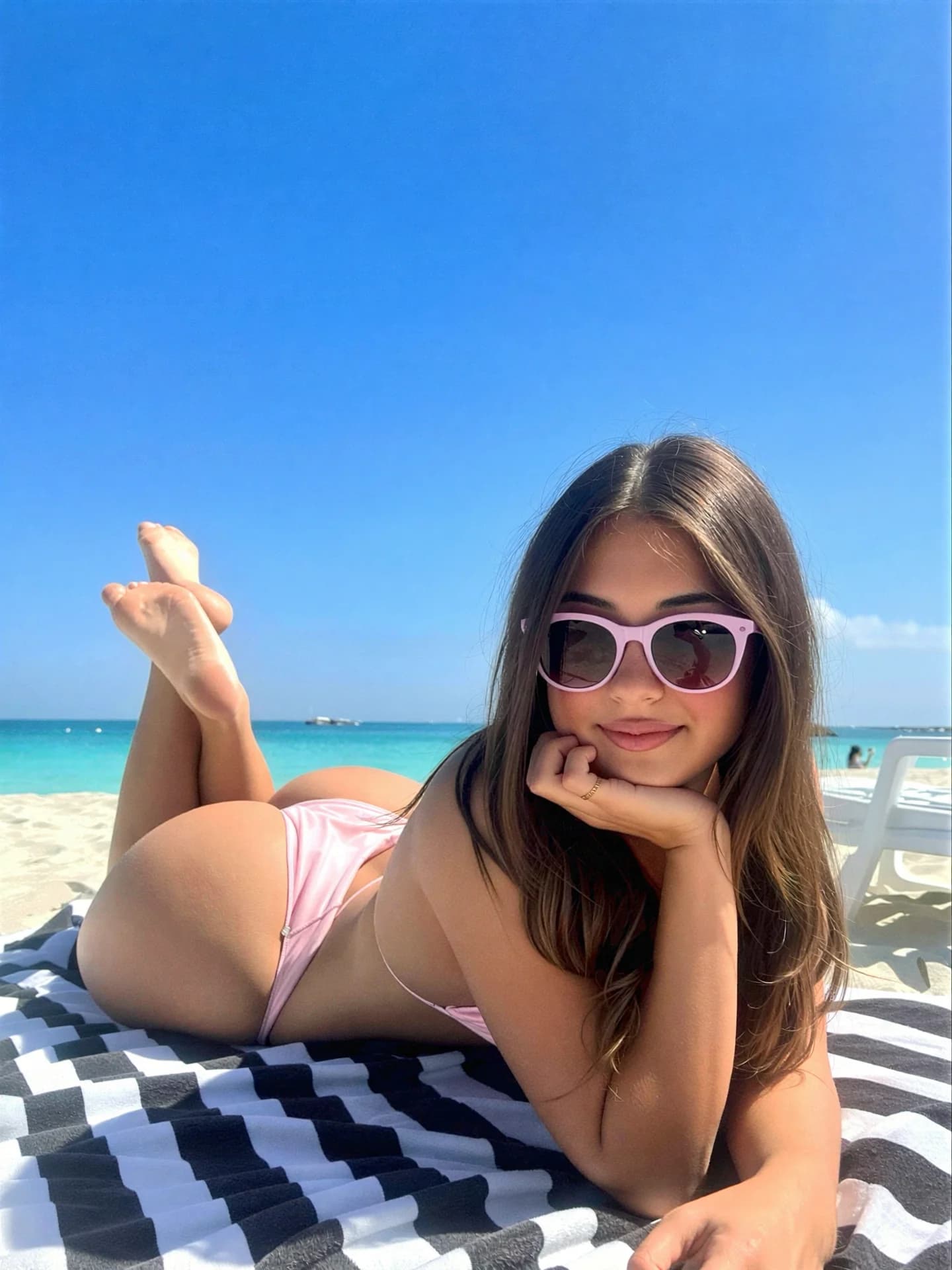
Beach Vacation
Beach scene with natural movement
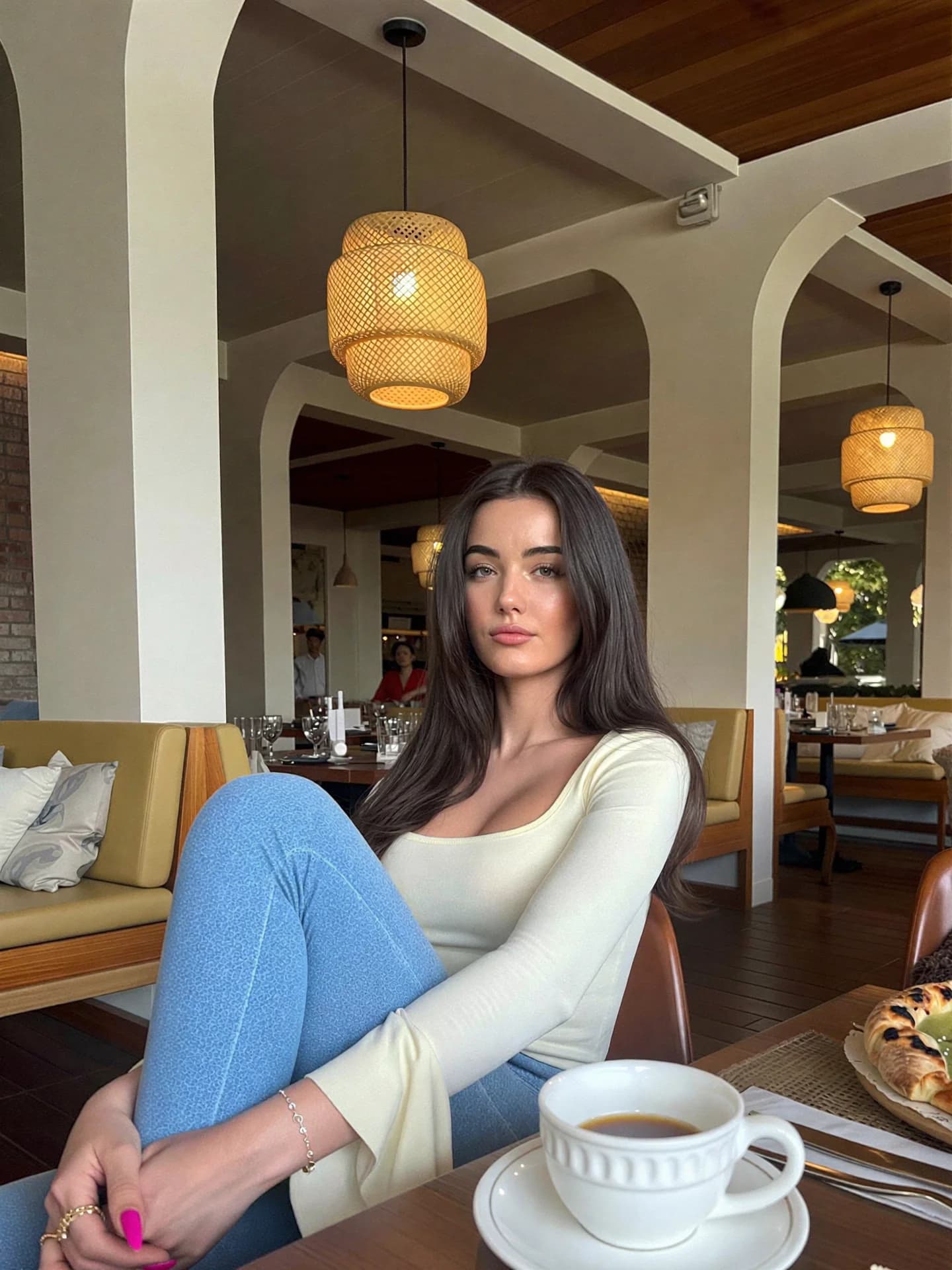
Restaurant Setting
Dining scene with subtle animation
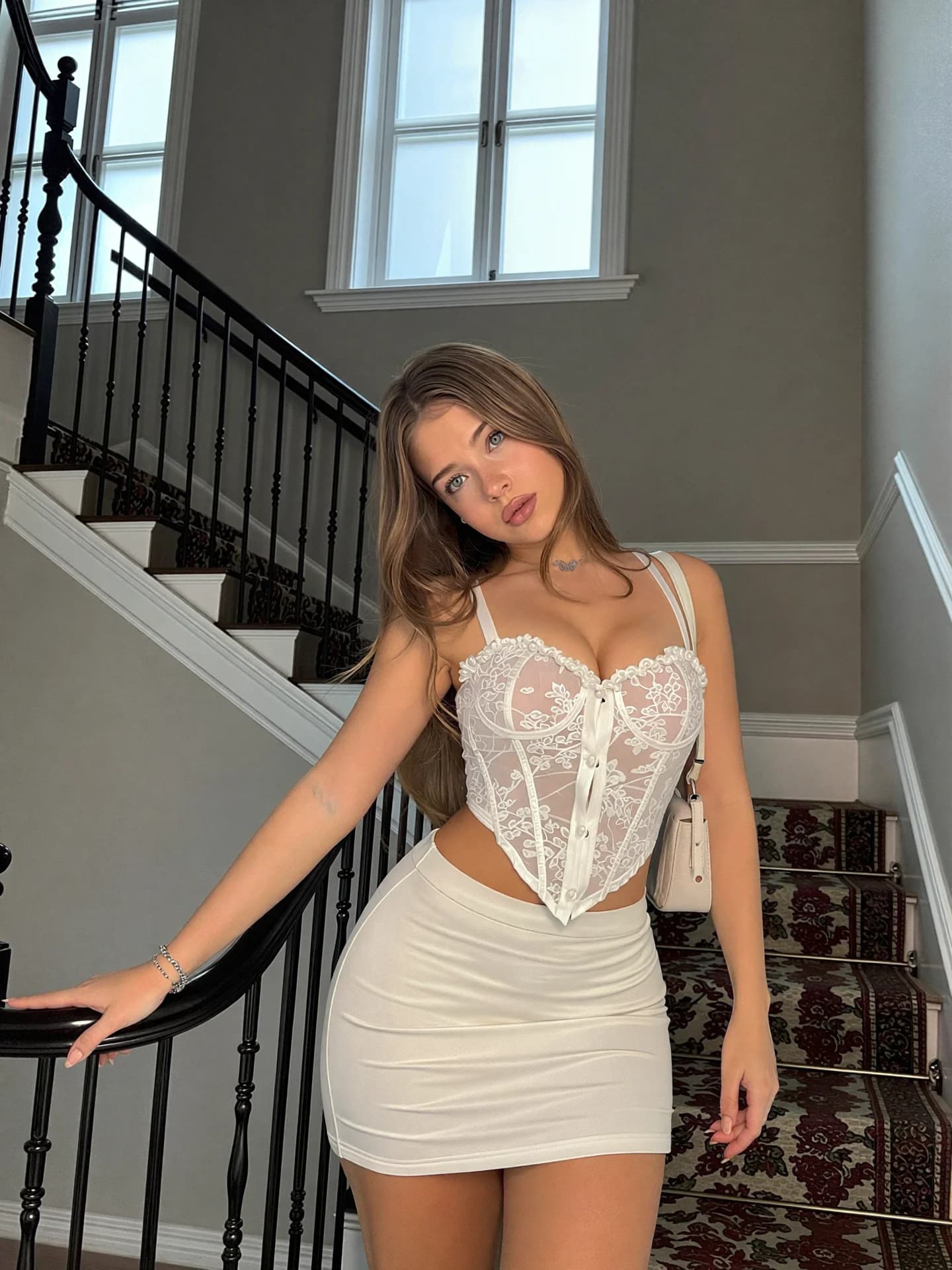
Portrait Shot
Portrait with cinematic motion
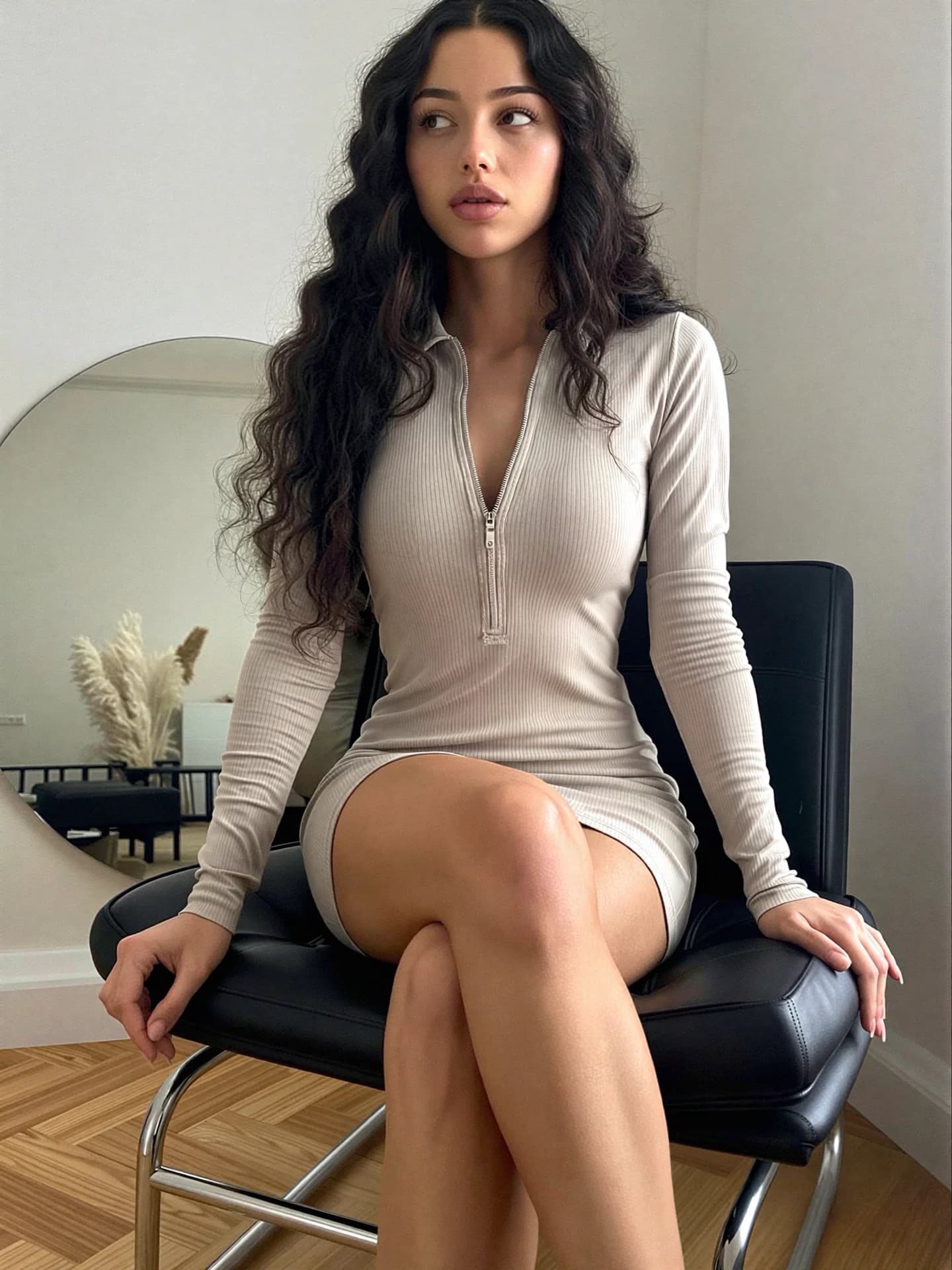
Fashion Scene
Fashion photography animated
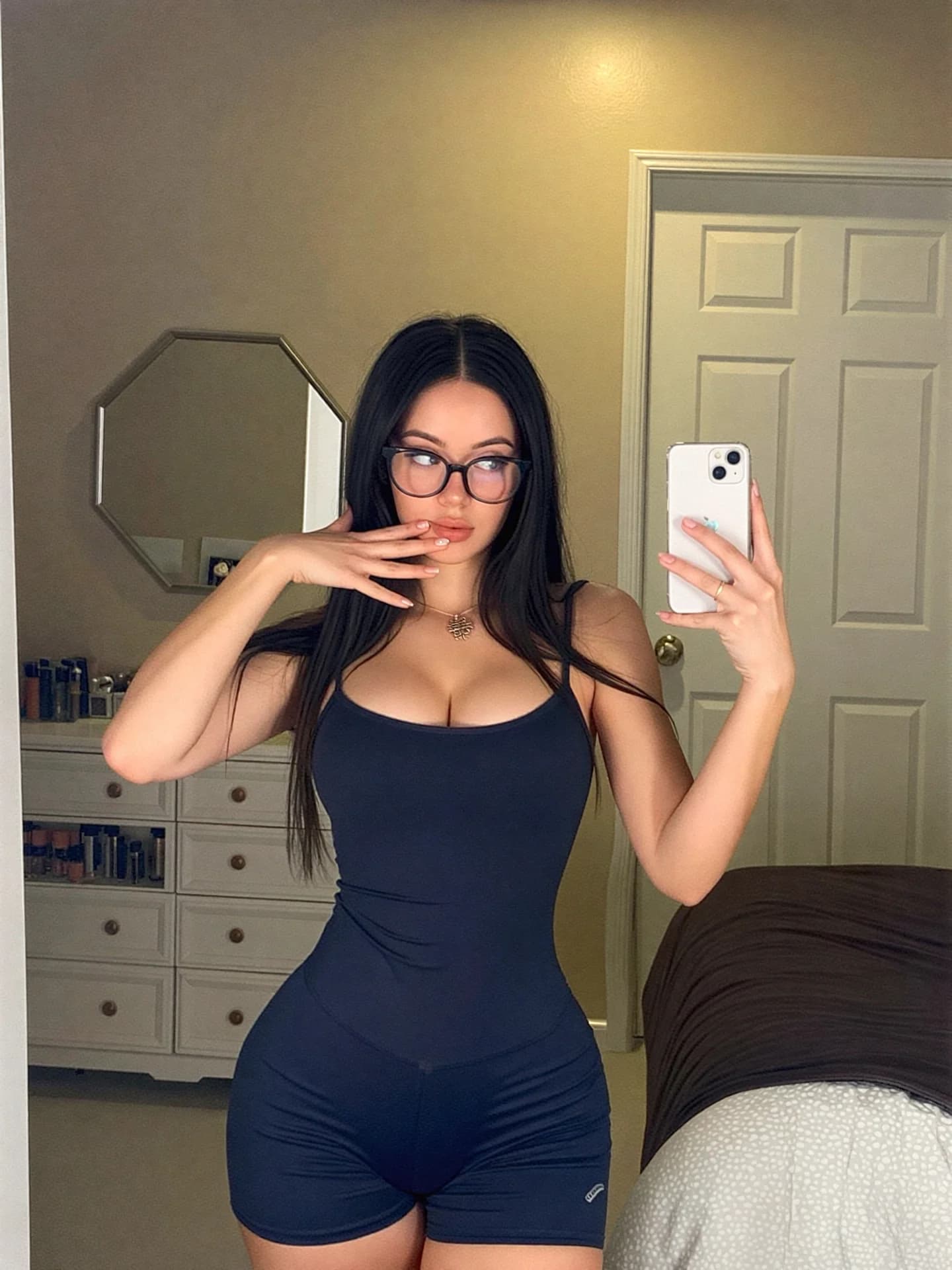
Lifestyle Content
Lifestyle shot with movement
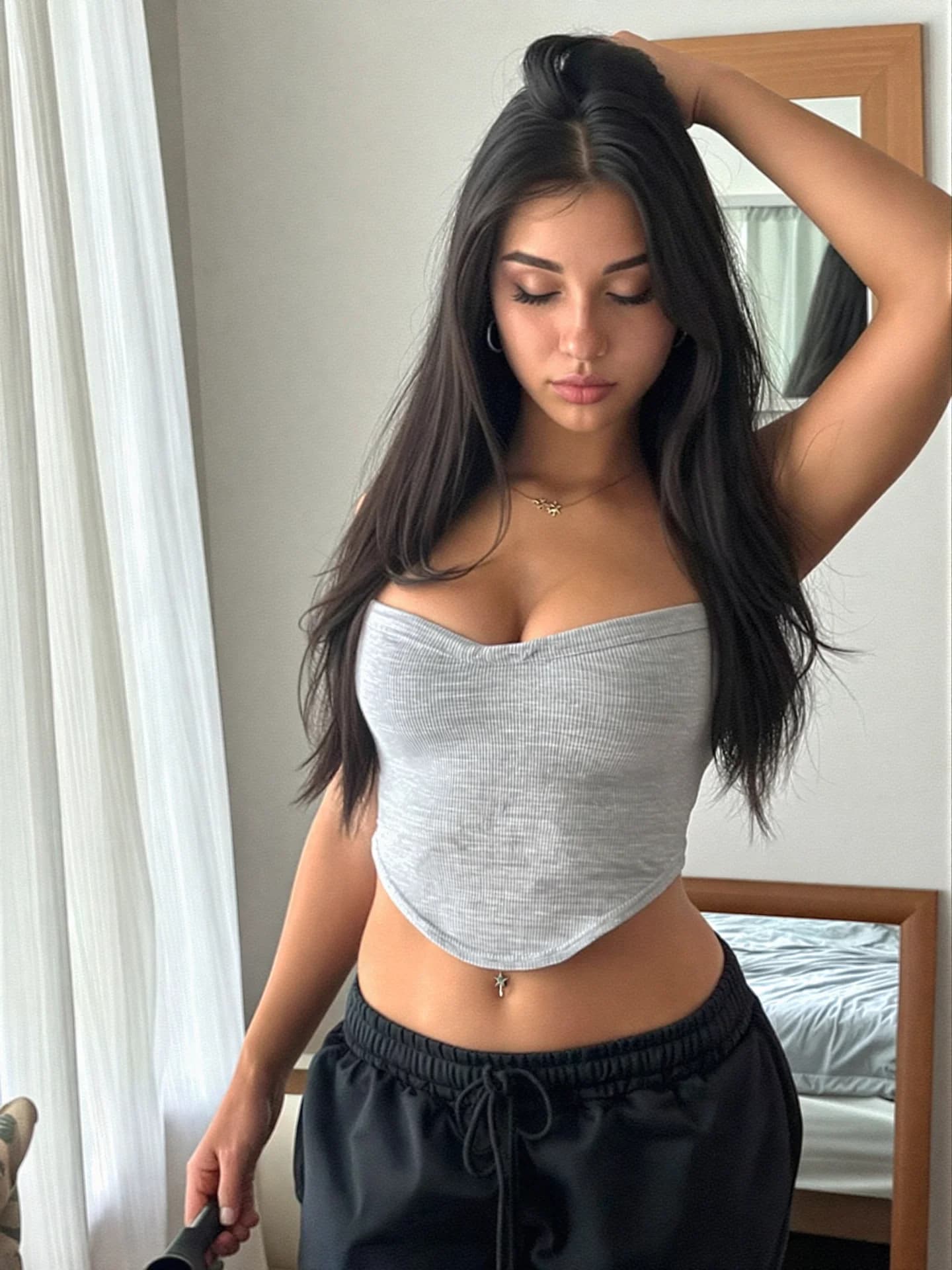
Golden Hour
Sunset scene animated
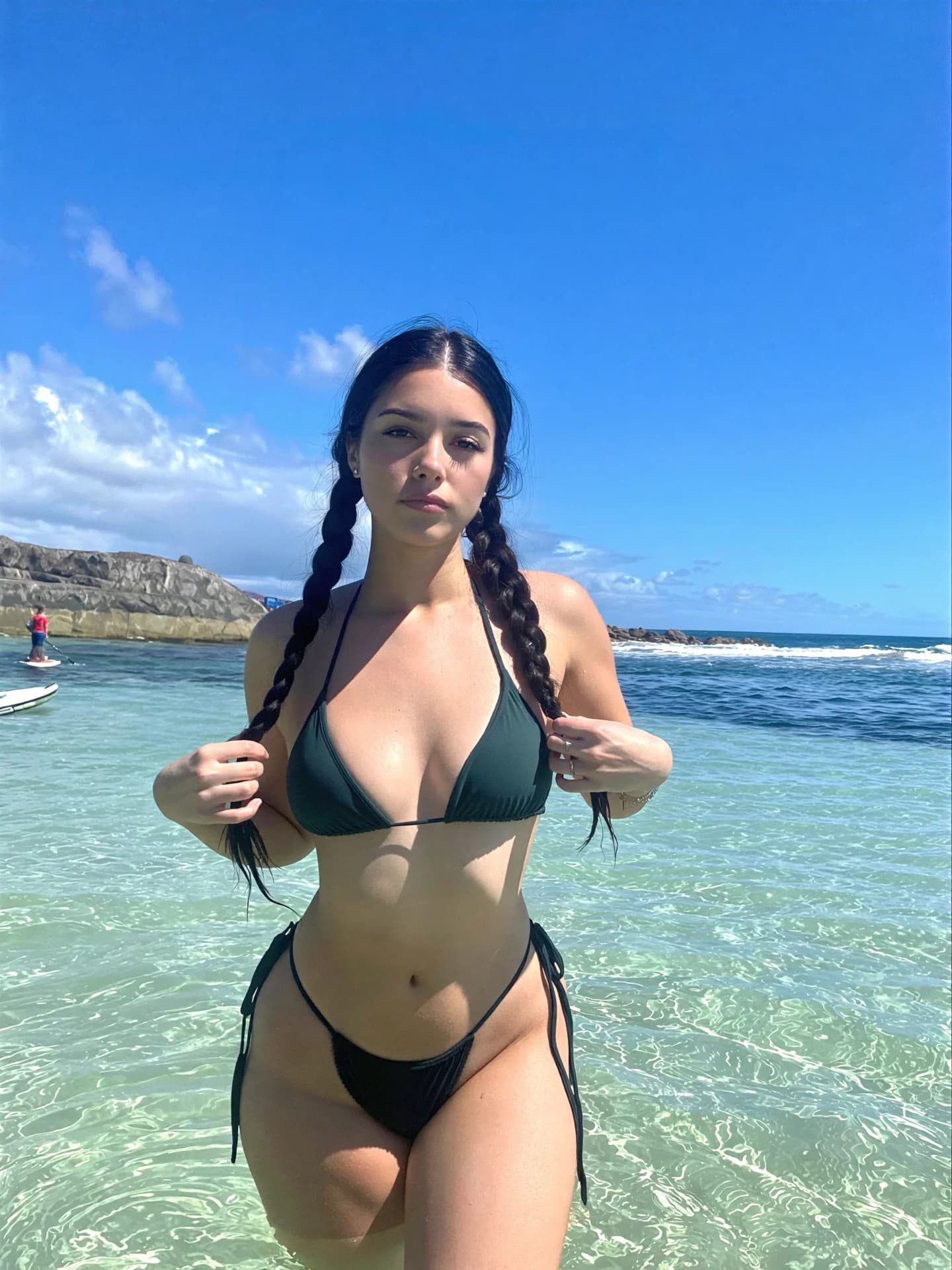
Urban Setting
City scene with dynamic motion
What makes Kling 2.6 Pro special?
Developed by Kuaishou (Kwai), Kling is one of the most advanced image-to-video AI models, creating smooth, natural motion from still images.
Image to Video
Transform any still image into a dynamic video with realistic motion.
5s or 10s Videos
Choose between 5-second or 10-second video durations based on your needs.
Cinematic Motion
Natural, smooth motion with cinematic camera movements and effects.
High Quality
Professional-grade video output suitable for commercial use.
How to Use Kling 2.6 Pro
Simple workflow to bring your images to life.
Upload Image
Select the image you want to animate. Works best with high-quality images.
Add Motion Prompt
Optionally describe the motion you want. "Camera slowly zooms in", "Hair blowing in wind", etc.
Generate Video
Choose 5s or 10s duration and generate. Video will be ready in about 2-3 minutes.
Example motion prompts:
"Gentle camera push in, subject slightly turns head and smiles"
"Wind blowing through hair, subtle eye movement"
"Slow zoom out revealing the full scene"
Perfect For
Social Media Content
Create eye-catching video posts from your AI-generated images for Instagram, TikTok, and more.
Product Showcases
Bring product images to life with subtle motion for marketing and e-commerce.
Digital Art Animation
Animate digital artwork and illustrations for NFTs, portfolios, and presentations.
Pro Tips for Kling 2.6 Pro
- Use high-resolution images for best video quality
- Images with clear subjects work better than busy scenes
- Motion prompts are optional but help guide the animation
- 5s videos cost 3,675 credits, 10s videos cost 7,350 credits
- Perfect for animating Realstagram portraits
- Generation takes 2-3 minutes per video